
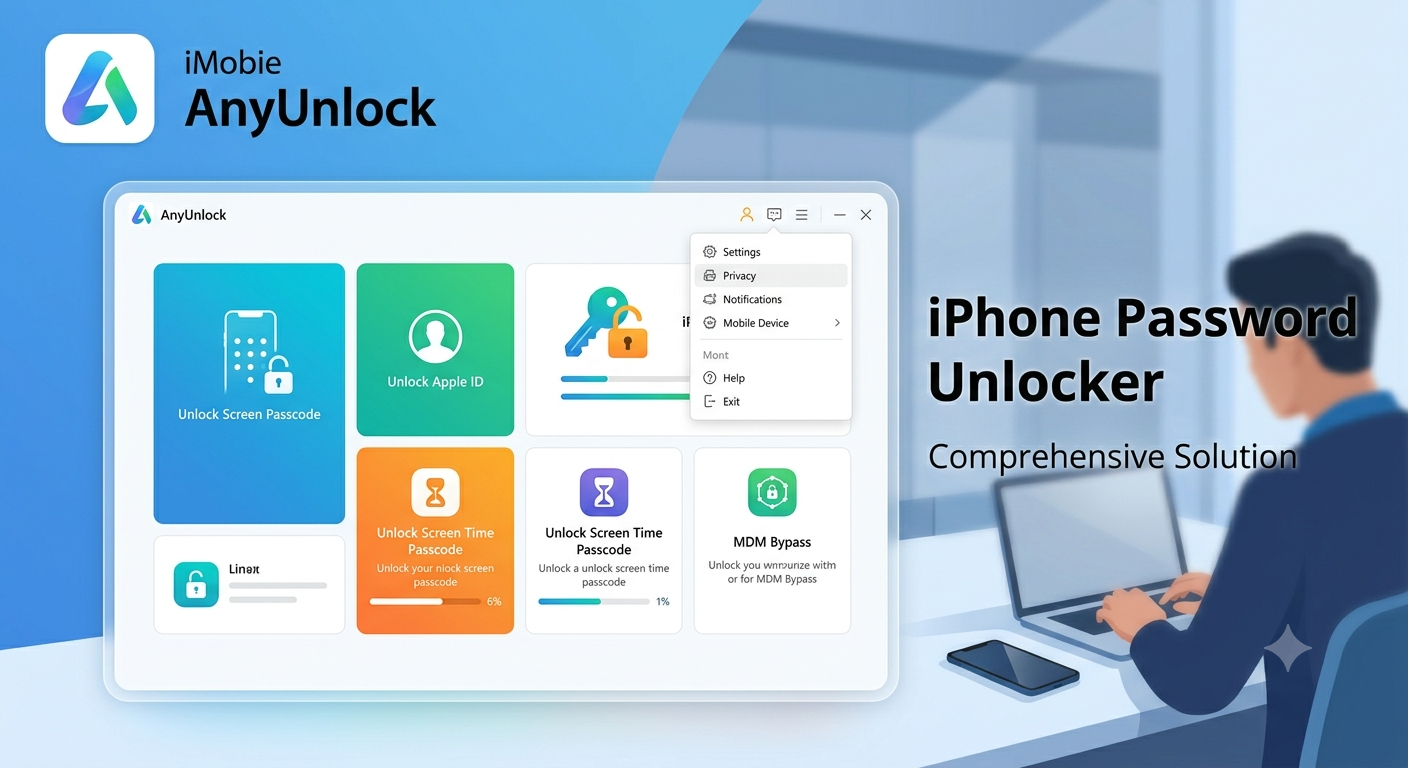
iMobie AnyUnlock is a desktop toolkit marketed to people who are locked out of an iPhone, iPad, iPod touch, Apple ID, encrypted backup, Screen Time settings, MDM profile, or carrier-restricted device. Its appeal is obvious: instead of navigating several recovery procedures, users get a single interface that promises to identify the lock type and guide them through a recovery or removal process.
That convenience, however, needs context. Some modules can erase the device, certain results depend on the exact iPhone model and iOS version, and Apple’s own recovery routes may solve the problem for free.
This review examines iMobie AnyUnlock as a troubleshooting product—not as a shortcut for accessing devices you do not own or have permission to manage.
What Is iMobie AnyUnlock?
iMobie AnyUnlock is Windows and macOS software developed by iMobie for handling multiple iOS access problems. The current product page lists screen-passcode removal, Apple ID removal, Activation Lock bypass, MDM bypass, Screen Time passcode removal, encrypted-backup tools, password management, SIM-lock removal, device verification, and several smaller utilities.
The important word is toolkit. It is not one universal unlocking method. Each module has different prerequisites, supported devices, consequences, and chances of success.
The vendor’s May 2026 update history identifies version 2.2.4 and says it expanded Activation Lock support and added a “Turn Off Find My iPhone” feature. Its technical page also lists broad compatibility across Windows, macOS, iPhones, iPads, iPod touch models, and iOS versions, but those are vendor-published specifications rather than independent laboratory results.
Key Features of iMobie AnyUnlock
Screen Passcode Removal
The screen-unlock module targets forgotten numeric codes, alphanumeric passwords, disabled-device screens, and situations where Face ID or Touch ID no longer provides access. iMobie AnyUnlock describes the process as a guided recovery that downloads firmware and removes the existing screen lock.
The trade-off is critical. Removing a forgotten iPhone passcode generally requires resetting the device.
Apple’s official documentation confirms that its own recovery-mode method erases the data currently stored on the iPhone before the device can be set up again.
That means no responsible review should describe passcode removal as a guaranteed way to preserve local photos, messages, app data, or downloaded files. Recovery depends on whether you already have a usable iCloud, Finder, Apple Devices, or iTunes backup.
Apple ID Removal
The Apple ID module is intended for devices that remain signed in to an account the owner can no longer access. Compatibility can vary according to the iOS version, whether Find My is enabled, the activation status, and other technical conditions.
Before paying for the toolkit, try Apple’s account-recovery process. When the account genuinely belongs to you, resetting the Apple Account password is usually cleaner because it preserves the device’s normal security relationship with Apple’s servers.
Be particularly cautious with second-hand devices. Apple advises buyers not to take ownership of a used iPhone or iPad until the previous owner has removed it from their account.
Activation Lock is designed to remain associated with that account even after the device is erased.
Activation Lock Bypass
Activation Lock is not simply a local PIN. The device contacts Apple during activation to check whether Find My and Activation Lock are still associated with an Apple Account.
Apple’s supported removal methods involve entering the linked account credentials, using the device passcode when offered, asking the previous owner to remove the device, contacting an organization’s administrator, or submitting an official support request with valid proof of purchase.
iMobie AnyUnlock markets an Activation Lock bypass module and lists specific supported iOS ranges on its product pages. Those claims should not be interpreted as a permanent, universal unlock for every device model, processor, security configuration, or software version.
A device may lose functions, require a later repeat procedure, fail after an update, or remain unsuitable for normal resale. The exact outcome can depend heavily on the hardware generation and installed firmware.
Only use this category of software on a device you legally own or are explicitly authorized to service. A locked second-hand phone with no proof of ownership may be lost, stolen, financed, or still contractually controlled by another party.
MDM Bypass
Mobile Device Management allows a business, school, or other organization to supervise devices, deploy policies, install applications, restrict settings, and protect institutional data. iMobie AnyUnlock includes tools marketed for local and remote MDM restrictions.
Removing legitimate organizational management without approval can breach employment, school, leasing, or security policies. It could also remove managed applications, settings, certificates, or access to institutional services.
Apple notes that some configuration profiles can be removed by the user, while supervised enrollment may be removable only by the managing service or administrator.
For a company-owned or school-owned device, contact IT. For a personally owned device that was never properly released by a former organization, request formal unenrollment before considering third-party software.
Screen Time Passcode Removal
This module targets forgotten Screen Time or older Restrictions passcodes. The vendor says this mode can work without deleting personal data in supported situations.
It may be useful for a family device where the authorized parent or owner no longer remembers the code. However, Apple’s built-in Screen Time recovery linked to the appropriate Apple Account should be the first option because it is free and remains inside Apple’s supported security model.
Do not use the feature to override parental, workplace, or institutional restrictions without authorization.
Encrypted Backup Password Tools
An encrypted Finder, Apple Devices, or iTunes backup can contain sensitive information that ordinary backups omit, including saved passwords, Wi-Fi settings, health data, website history, and call history.
iMobie AnyUnlock offers modules that claim to recover a forgotten backup password or remove backup encryption under certain conditions.
Apple says an existing encrypted backup cannot be restored without its password. On newer systems, you can reset the backup password on the device and create a new encrypted backup, but that does not unlock older encrypted archives.
This distinction matters. Creating a new backup is not the same as recovering historical data from an old encrypted backup.
Password Manager and Device Verification
The password-management module is designed to scan an authorized connected device for certain saved credentials and export supported items. Because this information is highly sensitive, use a trusted computer, confirm where exports are stored, and securely delete temporary files after migration.
The device-verification feature may help inspect battery status, jailbreak indicators, device details, and lock information before buying a used phone or tablet.
Treat it as an extra screening layer—not a replacement for checking:
- The original proof of purchase
- Activation Lock status
- Carrier or financing obligations
- The device serial number
- Repair and replacement-part history
- The seller’s identity
- Whether the phone has been reported lost or stolen
How iMobie AnyUnlock Works
The basic workflow is intentionally simple:
- Install the desktop application on a compatible Windows PC or Mac.
- Connect the authorized iOS device using a reliable USB cable.
- Choose the module matching the actual lock type.
- Read the compatibility and data-loss warning before proceeding.
- Download required firmware or drivers when prompted.
- Complete the recovery process and reactivate or restore the device.
The official FAQ says iTunes must be installed because Apple Mobile Device Support helps the computer recognize connected iOS hardware. The application itself does not necessarily require iTunes to remain open during use.
Do not start until the computer has stable power, sufficient storage, a reliable internet connection, and an intact cable. Interrupting firmware-related operations can leave the device requiring another recovery attempt.
iMobie AnyUnlock Compatibility and Requirements
The vendor currently lists Windows 11, 10, 8, 7, and Vista, along with multiple macOS releases. It also specifies at least 500 MB of free disk space, a 1024×768 display, and preinstalled iTunes or the required Apple device components.
Compatibility tables can be misleading when read too broadly. A program may recognize a particular iPhone while only some modules support that model, processor, iOS build, activation state, or security configuration.
Before buying iMobie AnyUnlock, match all four variables:
- Exact device model
- Exact iOS or iPadOS version
- Exact lock type
- Windows or macOS edition being used
A general “supports iPhone” statement is not enough. You need confirmation that the specific module supports your exact device and operating-system combination.
Capture screenshots of the compatibility promise and refund terms before purchasing, especially when the device is running a recently released or beta operating system.
Pricing: What Does iMobie AnyUnlock Cost?
The pricing structure combines a full toolkit with separate single-feature licenses. At the time of review, the Windows purchase page displayed three-month, annual, and one-time options, while individual modules were priced separately.
The page also stated that subscriptions renew automatically unless canceled. Promotional totals and checkout prices can change, so verify the final amount, supported device count, computer limit, renewal schedule, taxes, and currency before payment.
This is where many buyers make the wrong decision. They purchase the complete package for a single problem that Apple may solve free of charge.
iMobie AnyUnlock makes the most financial sense when:
- The device and lock type are explicitly supported.
- Apple’s official recovery path has already failed or cannot address the case.
- The value of regaining access exceeds the license price.
- You understand whether the operation will erase data.
- You have reviewed the renewal and refund conditions.
- You possess clear proof that the device belongs to you.
A single-feature license may be more economical, but confirm that it covers the exact task. Apple ID removal, screen unlocking, Activation Lock bypass, MDM removal, and carrier unlocking are separate technical problems.
Is iMobie AnyUnlock Safe and Legit?
The software is a real commercial product with official downloads, documentation, purchase pages, update history, and support resources. The company states that the program does not record or upload personal information and advertises a money-back guarantee.
Those statements come from the vendor and should be treated as company claims, not an independent security audit.
A better question is: Is it safe for your specific device and use case?
Potential risks include:
- Permanent data loss during passcode or account-related resets
- Compatibility failure after purchasing a license
- Activation or service limitations after a bypass procedure
- Subscription renewal charges if auto-renewal is overlooked
- Privacy exposure when exporting saved credentials
- Firmware problems if the connection is interrupted
- Policy violations on school or business devices
- Legal issues when ownership or authorization is unclear
Download only from the official iMobie domain. Avoid cracked editions, unofficial mirrors, shared license keys, and modified installers.
That precaution matters because unlocking software already requires deep access to connected devices, drivers, firmware components, and sensitive account information.
Does iMobie AnyUnlock Preserve Your Data?
Data preservation depends on the selected feature. This is one of the most important details to investigate before installing the software.
A forgotten screen passcode normally cannot be removed while leaving the encrypted contents freely accessible. The passcode forms part of the device’s security design, so resetting the phone commonly erases local information.
Some Screen Time, SIM, password-export, and backup-related operations may preserve data in supported cases. However, a vendor statement such as “no data loss” should always be checked against the specific module, model, and OS version.
Before proceeding:
- Create an iCloud backup when the device is still accessible.
- Create a computer backup through Finder or Apple Devices.
- Export essential photos and documents separately.
- Record account usernames and recovery information.
- Confirm whether two-factor authentication is enabled.
- Make sure you know the Apple Account needed after restoration.
An unlock is not useful if the device later requests credentials you still cannot provide.
iMobie AnyUnlock vs. Apple’s Free Recovery Options
Try Apple’s official routes first. They are free, supported, and less likely to create unexpected activation problems.
Use Apple’s passcode reset or recovery mode when you forget the screen code. If you changed the passcode recently, Apple provides a 72-hour window on supported systems in which the previous passcode may regain access.
Use Apple Account recovery for forgotten account credentials. Ask the previous owner to remove Activation Lock from a second-hand device, or contact Apple with valid ownership documentation.
Contact the organization for MDM removal. Contact the carrier for a network lock, because Apple states that only the current carrier can officially unlock an iPhone for use with another carrier.
Consider iMobie AnyUnlock only after identifying why those routes do not solve the problem.
Understanding the Different Types of iPhone Locks
Many unsuccessful purchases happen because users select the wrong tool. “Locked iPhone” can describe several unrelated conditions.
Screen Lock
This is the numeric or alphanumeric code used to open the device. Too many incorrect attempts can produce an iPhone Unavailable or Security Lockout message.
Apple Account Lock
This concerns access to the Apple Account used for services such as iCloud, the App Store, Find My, Apple Music, and device activation.
Activation Lock
Activation Lock links the hardware to the Apple Account associated with Find My. Erasing the phone does not automatically remove that server-side relationship.
MDM Lock
MDM restrictions come from an organization’s device-management system. The device may be supervised, remotely configured, or automatically enrolled.
Carrier Lock
A carrier lock limits which mobile network can activate the device. Apple says the current carrier—not Apple—must officially authorize carrier unlocking.
SIM PIN
A SIM PIN protects the physical SIM card or eSIM. It is different from both a carrier lock and an iPhone screen passcode.
Backup Encryption
Backup encryption protects computer backups created through Finder, Apple Devices, or iTunes. It does not directly lock the physical iPhone screen.
Correctly identifying the lock can save money and prevent an unnecessary device reset.
Pros and Cons
Advantages
- Combines many iOS access tools in one interface
- Offers guided workflows for nontechnical users
- Supports both Windows and macOS
- Provides single-feature and toolkit licensing
- Includes diagnostic and password-management extras
- Maintains online documentation and an update history
- Allows compatibility checking before full activation
Limitations
- Several important operations may erase the device
- Success depends heavily on model, OS version, and lock state
- Vendor success-rate claims are not substitutes for independent testing
- Some tasks have free Apple-supported alternatives
- Activation Lock, MDM, and carrier locks involve ownership or administrative authority
- Dynamic pricing and auto-renewal require careful checkout review
- Some bypass results may not equal a normal, permanent Apple-authorized removal
Who Should Use iMobie AnyUnlock?
iMobie AnyUnlock is most appropriate for an owner who has verified the device’s status, exhausted the official recovery route, backed up recoverable data, and confirmed module-level compatibility.
It may also be relevant to an authorized repair professional working with documented customer consent and clear proof of ownership.
It is not appropriate for:
- Found or abandoned devices
- Suspiciously cheap locked phones
- Employer-owned hardware
- School-managed tablets
- Financed devices controlled by a carrier
- Devices reported lost or stolen
- Hardware whose ownership cannot be established
- Devices belonging to a family member without permission
The existence of an unlocking tool does not create authorization to use it.
Frequently Asked Questions
1. Does iMobie AnyUnlock erase iPhone data?
It depends on the module. Screen-passcode removal and some account or activation procedures may reset or erase the device, while the vendor says certain Screen Time, SIM, and backup-related functions can preserve data.
Assume data is at risk unless the module’s current documentation explicitly says otherwise. Create a backup whenever the device remains accessible.
2. Can iMobie AnyUnlock remove Activation Lock permanently?
No independent guarantee applies to every model and iOS version. The vendor advertises Activation Lock support for specified configurations, but outcomes may differ, and later updates, resets, or reactivation attempts can affect usability.
The cleanest permanent solution is still removal by the linked Apple Account owner, an authorized organization, or Apple after ownership verification.
3. Is iMobie AnyUnlock free?
The installer can be downloaded for compatibility checking, but completing most unlock operations requires a paid license.
Pricing varies by module, subscription term, device count, operating system, promotion, tax, and region. Review the checkout total and auto-renewal terms before paying.
4. Can AnyUnlock carrier-unlock any iPhone?
Do not confuse a SIM PIN, carrier lock, and screen passcode. Apple says only the current carrier can officially unlock an iPhone for another mobile network.
Any third-party carrier-unlock claim should therefore be checked against the exact carrier, contract status, IMEI condition, and local rules before purchase.
5. What should I do before using iMobie AnyUnlock?
Confirm ownership, identify the precise lock type, record the device model and iOS version, and attempt Apple’s official recovery method first.
Then review data-loss warnings, verify module-level compatibility, read the refund conditions, examine automatic-renewal terms, and use a trusted computer with stable power and internet access. Keep purchase records and screenshots of the advertised support conditions.
Final Verdict
iMobie AnyUnlock is a broad, polished iOS recovery toolkit, but it should not be treated as magic software that can safely and permanently remove every Apple security layer.
Its strongest value is convenience. One application organizes several specialized utilities and guides users through technical recovery flows that might otherwise feel confusing.
Start with Apple’s free recovery tools, the previous owner, your organization, or your carrier. These routes are more likely to provide a normal, officially supported resolution without creating future activation complications.
When those paths genuinely cannot resolve an authorized device problem, verify the exact iMobie AnyUnlock module, compatibility, data-loss consequences, license terms, and refund conditions before purchasing.
That disciplined approach protects your data, your money, and the legitimate security controls attached to the device.